Ship to the App Store From a Chat Box.
Real Expo + React Native code. Real EAS Build. Real TestFlight and Google Play delivery. The only AI builder where 'I want a mobile app' starts a chat and ends with an app icon on a tester's phone.
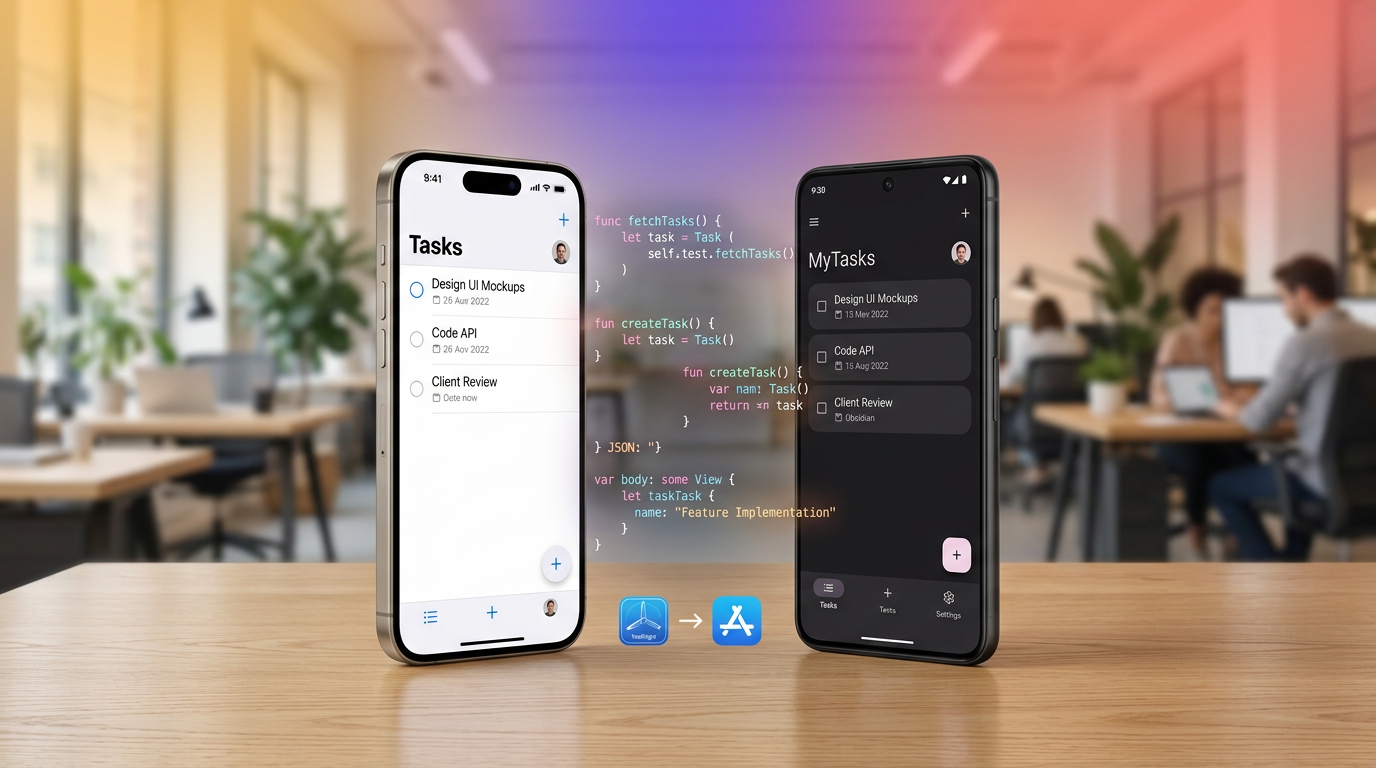
One Session. Four Steps. Real Native App.
Other AI builders are web-only. Mobile CI tools have no AI. Hiveku is the only platform that runs the entire pipeline — from prompt to App Store — without you ever leaving the browser.
Describe
Tell the AI what app to build. Plain English. No React Native experience required.
Build
AI writes Expo Router + NativeWind code across screens, components, and Supabase auth.
Preview
Live phone-frame iframe runs the actual Expo Web bundle as you type.
OTA or Build & Ship
Push JS-only changes in 30 seconds, or run a full native build to TestFlight in 25 minutes.
Eleven Devices. Real Chrome. One Click.
Preview your app in a polished phone frame — with the right notch, the right hole-punch, the right home indicator. Pure CSS, no extra bandwidth, no $0.05/min device farm.
iPhone
Android
Foldable
Tablet
Accent color
Orientation
Every state persists across sessions. Your team picks up exactly where they left off.
We'll Get You The .p8 File.
Apple Developer enrollment, ASC API keys, Google Cloud service accounts, provisioning profiles — three days of paperwork on every other tool, five guided steps with us. And every credential is encrypted in our vault, not your laptop.
Apple Developer
- Inline 5-step setup guide
- .p8 key + ASC Issuer ID + Key ID + Team ID
- Live preflight signs an ES256 JWT against Apple's API
- Auto-creates the iOS App Store record on first build
- Encrypted in our vault, never on your laptop
Google Play
- Inline 5-step setup guide
- Service account JSON + Application ID
- Live preflight creates a temporary edit transaction (auto-cleaned-up)
- Internal track ready out of the box
- Same encrypted-vault treatment as iOS
"Verify credentials now" runs the live preflight in under 5 seconds — before you commit to a 25-minute build that would otherwise fail at the last step.
When Apple Rejects Your Build at 11:23 PM, the AI Already Knows Why.
A failed mobile build is normally the worst part of shipping an app — a cryptic error code, an obscure provisioning issue, a 25-minute round trip every time you guess wrong. We catch the failure, decode the error, and prefill a chat that's ready to fix it.
ITMS-90013: Invalid Bundle
Provisioning profile mismatch on bundle id com.taskwise.app
We recognize 18 known Apple and Google build errors and decode each one into an actionable summary. The AI agent reads the relevant files, applies the fix, and you're one click from re-running.
Two Days of Designer Work. Five Minutes of AI.
The 1024×1024 icon. The app description. The keywords. The subtitle. The promotional text. Generated from your app name, tagline, and accent color — and dropped straight into your project's asset pipeline.
TaskWise
"Stay on top of work without the chaos."
1024×1024 icon
Saved to assets/icon.png and adaptive-icon.png automatically
Description + keywords
Customer-benefit framing, ≤100 chars keywords, ≤170 chars promo
Ready for next build
Trigger Build & Ship and the new icon ships with the binary
OTA Update or Native Build — Pick the Right One.
JS-only changes go live in 30 seconds for free. Native dependency added? Run a real build. We make the difference obvious so you don't accidentally burn $5 of EAS credits on a typo fix.
OTA Update
~30 seconds · free
- JS-only changes (text, styles, logic)
- Channel toggle: preview vs production
- Default is preview — no accidental prod ships
- Tester refreshes Expo Go to see it
Build & Ship
~25 minutes · auto-submit
- Real native binary (.ipa + .aab)
- Auto-submit to TestFlight + Play Internal
- Required for new native modules
- Build dedup: no double-clicks burn credits
Seven Steps. We Walk You Through Every One.
Mobile development normally has a steep first-time setup cliff — Apple enrollment, credential generation, app entries, native module gotchas. Our guided wizard turns it into a checklist.
Apple Developer signup
$99/yr · Up to 24h to verify
Google Play Console
$25 · Immediate
Apple credentials
.p8 + ASC Issuer ID + Key ID
Google credentials
Service account JSON
App Store entries
Auto-created on first build
First build
iOS + Android in parallel · ~25 min
Post-submission
TestFlight + Play Internal track
When you ask the AI to add a dependency, it classifies it before npm install:
"This added a native module — your next deploy must be Build & Ship, not OTA Publish." The AI tells you before you click.
The Only Tool That Combines AI + Real Code + Real Pipeline.
v0, Bolt, Lovable, Webstudio are web-only. FlutterFlow, Adalo, Glide are no-code drag-drop with no AI chat. Replit Agent has no native pipeline. Expo Snack has no AI. The space we sit in is uncontested.
Your Mobile App. Live in TestFlight Today.
Real Expo + React Native code. Real EAS Build. Real Apple + Google delivery. The only AI builder that does the whole thing — from a chat box.